Downloading Fallen World
What is Wabbajack?
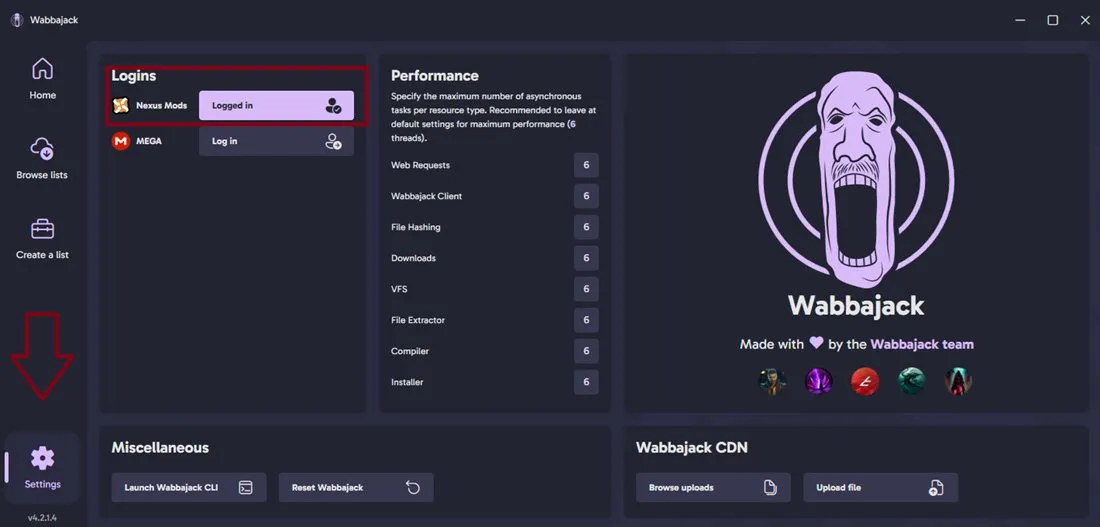
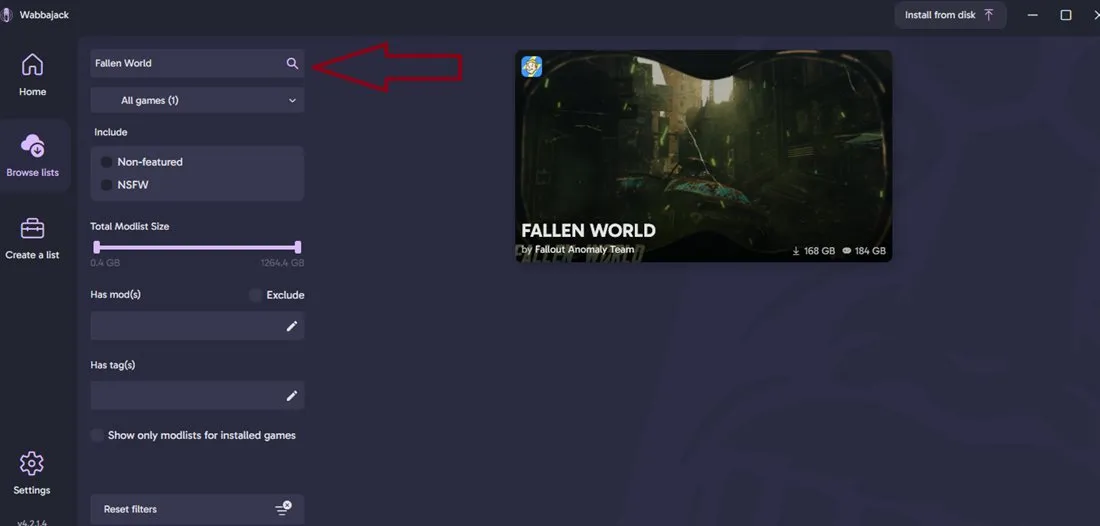
Wabbajack is an automated modlist installer that allows you to download and install complex setups like Fallen World with minimal manual effort. Instead of spending days following a guide and resolving conflicts yourself, Wabbajack handles the downloading, patching, and configuration of over 600 mods automatically.
It ensures that everyone has the exact same stable environment, making it the most reliable way to experience modern Fallout 4.
Managing storage space
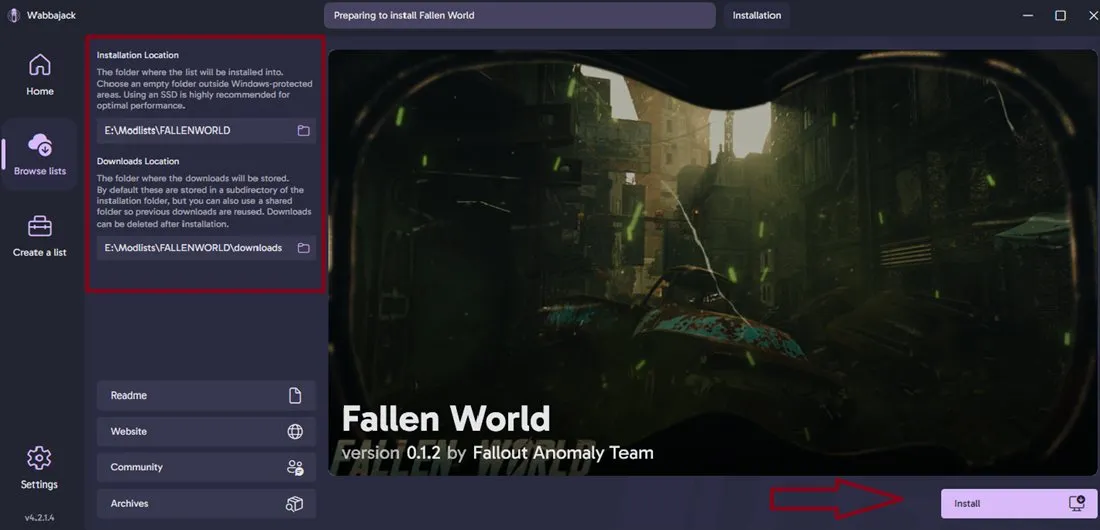
Once the installation is complete, you are free to delete the downloads folder or move it to a different drive to save space.
However, please be aware that if you delete these files, you will have to redownload every mod when a new update for the modlist is released. If you have the extra space, we highly suggest keeping the downloads folder intact to make future updates faster.
After installation
Congratulations! Once the Wabbajack process is complete, navigate to your Fallen World root installation folder and run Fallen World Launcher.exe.
The launcher will guide you through the final setup steps and prepare your game for play. For more details on the first launch, see the Launching section.